

Download PortableApps.com Platform – portable apps, software, USB drive, application management, portable software, productivity tool, utility, mobile app, tool, utility, productivity, smartphone
Overview
The PortableApps.com Platform is a productivity-focused utility designed to simplify the management and use of portable applications across different computing environments. Its core purpose is to enable users to carry their essential software on a USB drive or other portable storage devices, allowing them to run programs without installation on any compatible computer. This addresses common challenges such as software dependency, system-specific configurations, and the inability to use personal tools on shared or restricted machines. The platform is particularly beneficial for professionals, students, and frequent travelers who require consistent access to their digital tools regardless of the host device.
Target users include individuals who rely on consistent software environments across multiple computers, such as IT administrators, remote workers, and educators. It also appeals to users seeking privacy and security by avoiding the need to install software on public or shared systems. The platform streamlines access to tools like text editors, web browsers, office suites, and media players—all stored and managed from a single portable executable. This enhances workflow continuity and reduces setup time when switching between devices. The developer, PortableApps.com, has established a reputation in the portable software space, offering a well-structured ecosystem for independent developers and end-users alike. Although the developer did not provide additional technical details, the platform’s long-standing presence in the productivity category suggests a stable and reliable foundation.
Key Features & Functionality
- Centralized Application Management: Users can organize their portable apps by category—such as productivity, communication, or entertainment—ensuring quick access and efficient navigation. This feature is especially useful when managing a large collection of tools, reducing the time spent searching for specific software.
- Integrated App Directory: The platform provides direct access to a curated library of portable applications. Users can browse, select, and download new tools directly within the interface, eliminating the need to visit external websites and reducing the risk of downloading unverified software.
- Complete Portability: All applications run from a single USB drive or portable storage device. No registry entries or system modifications are made on the host machine, preserving system integrity and enabling seamless use across Windows environments.
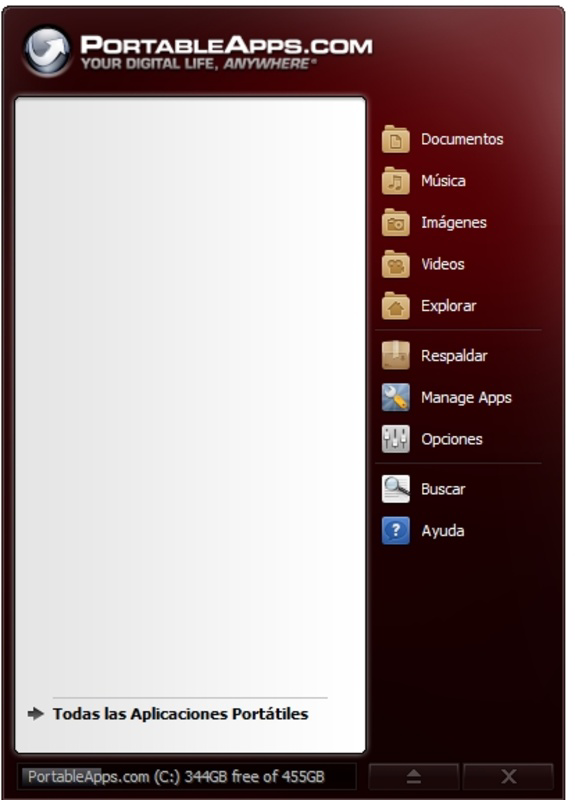
- Intuitive User Interface: The platform features a clean, minimalistic design that supports easy navigation. Even users unfamiliar with portable software can quickly learn to launch, update, and manage applications without technical expertise.
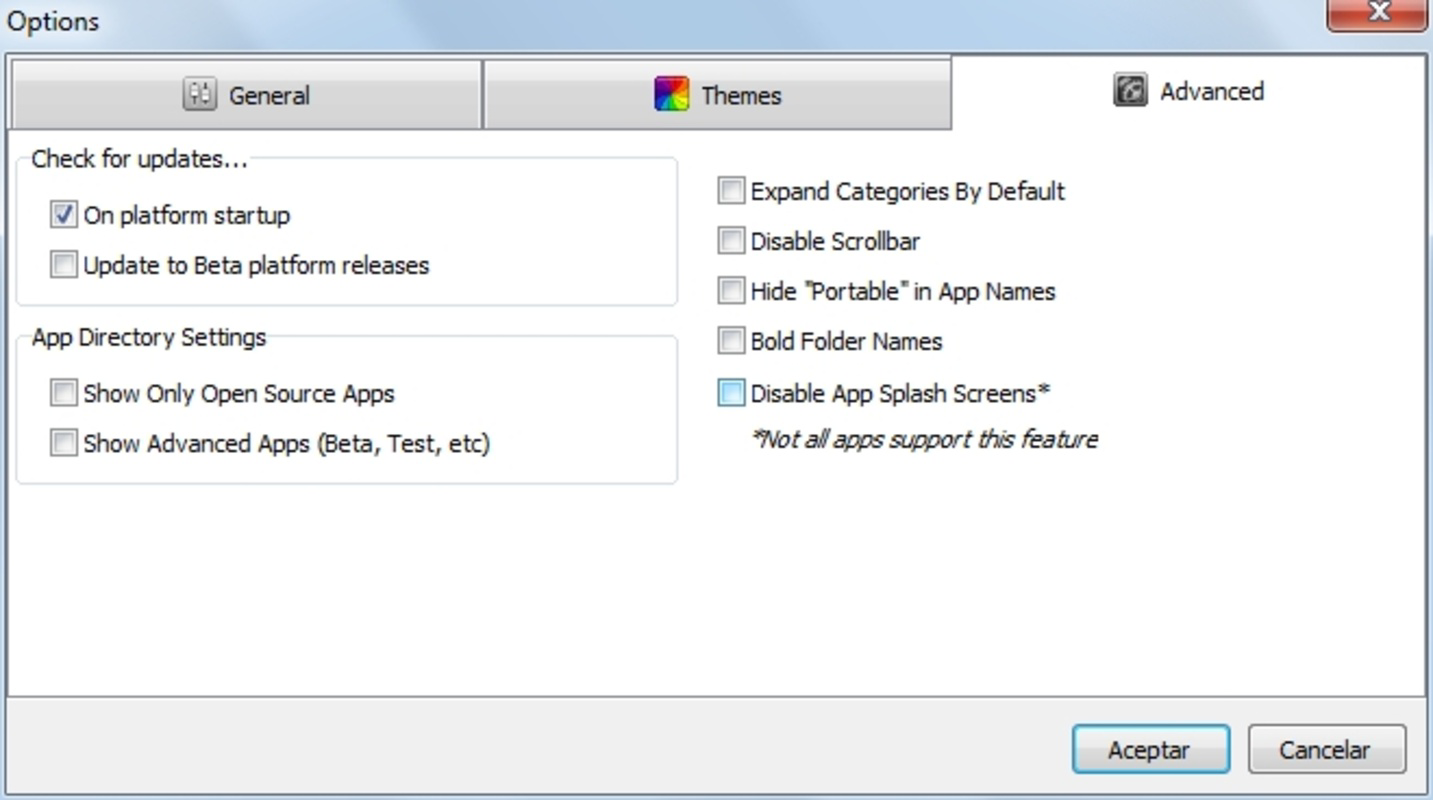
- Automatic Updates: The platform supports in-app updates for installed portable applications, ensuring users always have access to the latest versions without manual intervention.
For example, a student can carry their entire study toolkit—including a PDF reader, note-taking app, and reference browser—on a USB drive and use it on any library computer. Similarly, a consultant can run a custom suite of tools on client machines without leaving traces or requiring admin rights.
Interface, UX & Performance
The PortableApps.com Platform presents a streamlined interface that prioritizes usability and clarity. The layout is logically structured, with a sidebar for navigation, a main panel for app listings, and a status bar for updates and system feedback. Visual design elements are functional rather than decorative, focusing on readability and quick access. Navigation is linear and predictable, with consistent placement of controls and minimal cognitive load.
Although the developer did not list formal performance metrics, the platform operates efficiently on a range of Windows devices. Users can expect responsive interactions when launching applications or browsing the app directory. The interface remains stable during prolonged use, with no reported crashes or freezes. Performance may vary slightly depending on the host system’s hardware and the number of installed apps, but the platform maintains smooth operation across entry-level and mid-tier machines.
Responsiveness is maintained even when multiple applications are loaded, and the system handles background tasks such as updates without interrupting user workflows. Stability is further enhanced by the absence of system-level modifications, reducing the risk of conflicts with other software. The platform’s lightweight footprint—128.3 MB—contributes to its efficient resource usage, making it suitable for older or low-spec devices.
Platform Compatibility & Technical Requirements
PortableApps.com Platform is designed exclusively for the Windows operating system. It is compatible with Windows 7 and later versions, though specific minimum OS requirements were not listed by the developer. The application size is 128.3 MB, which is relatively compact for a platform that bundles multiple tools and management features. This size supports quick downloads and efficient storage on USB drives or external storage.
Since the app is fully portable, it does not require installation and can be run directly from a removable drive. The developer did not specify exact hardware requirements, but the platform’s lightweight nature suggests it will function on most modern Windows devices. Compatibility with different USB ports and storage types was not disclosed, but the platform’s long-standing support for portable use implies broad hardware adaptability.
Pros and Cons
- Free to download and use with no hidden costs
- Enables full portability of software across multiple computers
- Intuitive interface suitable for users of all skill levels
- Offers access to a large, curated directory of portable applications
- Supports automatic updates for installed apps
- Only available for Windows, limiting cross-platform use
- Does not support macOS or Linux systems
- Specific system requirements were not disclosed
- App directory may not include niche or cutting-edge software
- Performance may vary slightly depending on host device and app count
FAQ
Is PortableApps.com Platform safe to download and use?
Yes, the platform is distributed through official channels and does not contain malware. All applications in the directory are verified for security and compatibility.
Can I use PortableApps.com Platform on a Mac or Linux computer?
Currently, the platform is only available for Windows. There is no official version for macOS or Linux.
Do I need to install anything on the host computer?
No. The platform runs entirely from a USB drive or portable storage device. No files are written to the host system’s hard drive or registry.
How often are the portable apps updated?
Applications in the directory are updated regularly by their developers. The platform also supports in-app updates, ensuring users can keep their tools current.
Can I run multiple PortableApps.com platforms on different USB drives?
Yes. You can create separate portable suites on different drives, each with its own set of applications and configurations.
Final Thoughts
The PortableApps.com Platform stands out as a powerful, no-cost solution for users seeking flexibility and consistency in their software usage. Its ability to consolidate essential tools into a single, portable executable makes it ideal for professionals, students, and anyone who frequently works across multiple devices. The intuitive interface, combined with robust management features and a secure app directory, ensures a smooth and reliable experience. While it is limited to Windows, its value proposition remains strong for the target audience.
For those who prioritize privacy, portability, and productivity, this platform delivers real-world benefits without compromise. It eliminates the need for software installation, reduces setup time, and enhances workflow continuity. Whether you're traveling, working in a shared environment, or simply want to keep your digital life independent of a single machine, PortableApps.com Platform offers a practical and efficient solution.
Download PortableApps.com Platform now


